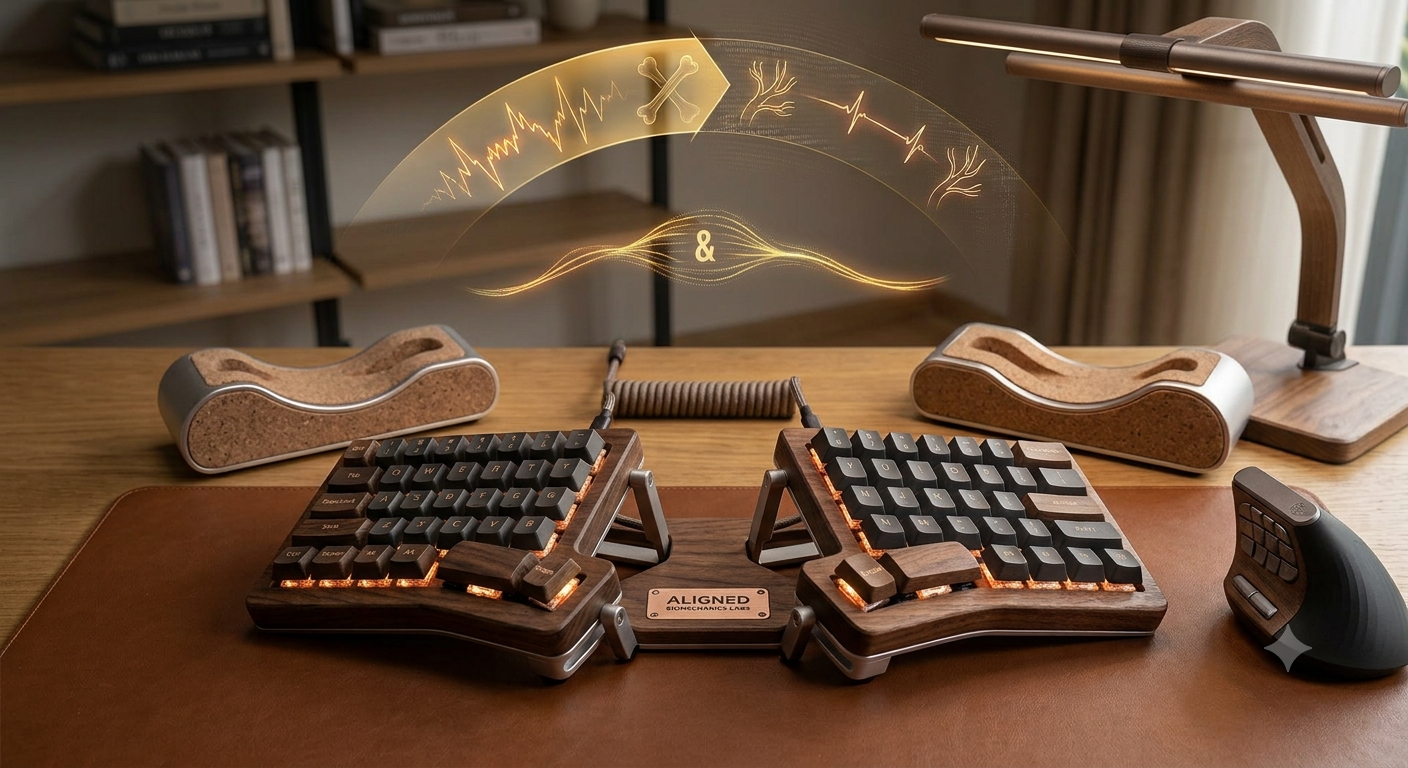
If you earn a living by typing on a keyboard and clicking a mouse, you are likely intimately familiar with the subtle, dull ache that begins in your wrist around Tuesday afternoon. By Friday, that ache can evolve into a burning sensation traveling up your forearm.
Traditional desktop peripherals are built for flat surfaces, not human anatomy. Forcing your hands to rest completely flat on a desk induces a state called forearm pronation. This twists the two bones in your forearm (the radius and ulna), placing constant pressure on the median nerve and surrounding tendons. Over months and years, this unnatural posture leads to repetitive strain injuries (RSIs) like Carpal Tunnel Syndrome, De Quervain’s Tenosynovitis, and chronic
Anatomy of Ergonomic Relief: Split Keyboards and Vertical Mice
To heal or prevent these conditions, you must change your workstation’s biomechanics. This guide details the best ergonomic split keyboards and vertical mice engineered to eliminate wrist pain by returning your upper body to its natural posture.
1. The Power of Split Keyboards
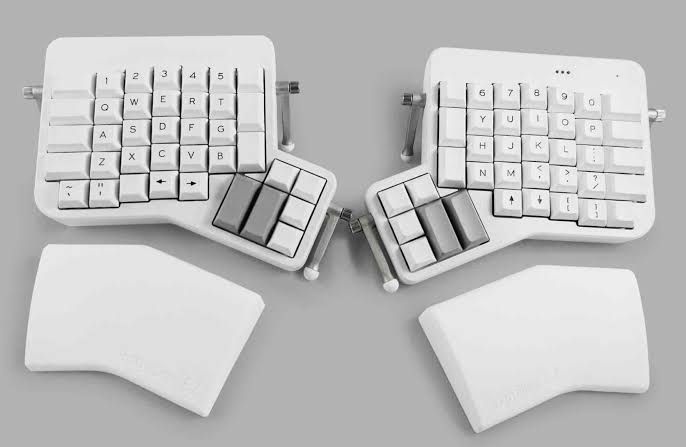
A standard unibody keyboard forces your hands inward, causing ulnar deviation—bending your wrists outward toward your pinky fingers. It also forces your shoulders to roll forward, compressing the chest and thoracic outlet.
Split keyboards divide the layout into two separate pieces. This allows you to position each half directly in front of your shoulders. By widening your typing stance, you eliminate ulnar deviation and immediately open up your chest, correcting slouching postures. Top tier models offer two further adjustments:
- Tenting: Raising the inner edges of each keyboard half to match the natural angle of your resting hands.
- Negative Tilt: Tilting the back of the keyboard downward so your wrists extend straight or slightly downward, protecting the carpal tunnel from extension stress.
2. The Mechanics of Vertical Mice

A standard mouse requires your palm to face flat against the desk. A vertical mouse rotates your hand into a neutral handshake position, turning your palm inward.
This 45-to-70-degree rotation uncrosses the forearm bones, takes pressure off the carpal tunnel, and shifts the physical burden of moving the mouse from your small wrist joints to the larger, more resilient muscles of your forearm and shoulder.
Best Ergonomic Split Keyboards for Wrist Pain
1. Logitech Ergo K860: Best All-In-One Split Keyboard

- Type: Fixed Unibody Split (Alice Layout)
- Key Switches: Scissor-switches
- Best For: Beginners, office workers, and writers who want an easy transition
Real-World Usability
Because it preserves the standard QWERTY configuration and includes a dedicated number pad, you can plug this keyboard in and maintain your baseline typing speed almost immediately. It connects seamlessly to up to three devices via Bluetooth or Logi Bolt, switching at the press of a button.
- Pros: Instantly comfortable; fantastic pillowed wrist rest; zero learning curve.
- Cons: Massive footprint demands substantial desk real estate; the split distance is fixed and cannot be adjusted.
2. Kinesis Freestyle2 (with VIP3 Lifters): Best Fully Adjustable Split Keyboard
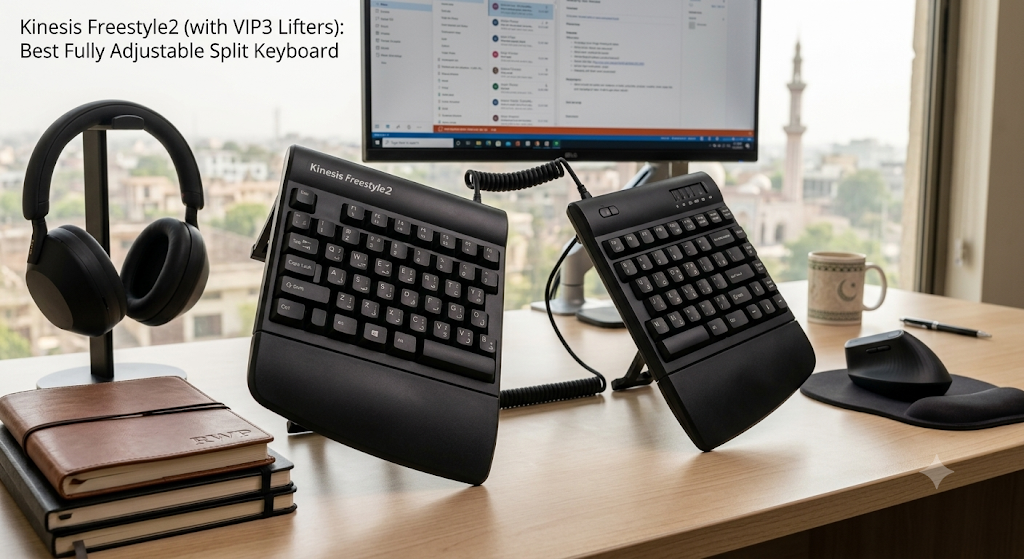
- Type: Fully Split (Connected by adjustable cable)
- Key Switches: Low-force membrane
- Best For: Users experiencing targeted shoulder, neck, or carpal tunnel pain
The Deep Dive
If a fixed unibody keyboard does not offer enough flexibility, the Kinesis Freestyle2 is the next step up. It consists of two entirely independent modules connected by a flexible 9-inch or 20-inch linking cable. This design lets you position the halves as wide apart as necessary to accommodate your shoulder width.
Ergonomic Performance
To unlock the true therapeutic value of the Freestyle2, you must pair it with the VIP3 Lifter Accessory Kit. These modules snap onto the underside of the keyboard, providing integrated palm supports and allowing you to adjust the tenting angle to $5^\circ$, $10^\circ$, or $15^\circ$. By tenting the keys, you significantly reduce forearm pronation. The key switches require very low activation force (roughly 45 grams), lessening the strain on irritated finger tendons.
Real-World Usability
The Freestyle2 splits standard keys without altering their shape or spatial layout, making it easy to master. It keeps your hands anchored safely, while its low profile avoids excessive wrist extension.
- Pros: Highly customizable split width; tenting adjustments up to $15^\circ$; low-activation force keys reduce finger fatigue.
- Cons: The necessary VIP3 tenting lifters are typically sold separately; it requires running a tethering cable across your desk workspace.
3. Keychron Q11: Best Premium Mechanical Split Keyboard

- Type: Fully Split Mechanical
- Key Switches: Hot-swappable mechanical (Gateron G Pro Red/Brown)
- Best For: Enthusiasts, programmers, and typists who demand premium tactile feedback
The Deep Dive
Most vertical mice lock you into a single, permanent angle chosen by the manufacturer. The Contour Design UniMouse breaks that mold by integrating a patented articulating friction hinge, letting you change the vertical tilt angle anywhere from a shallow 35∘ to a steep 70∘.
Ergonomic Performance
This flexibility is invaluable if your wrist pain changes throughout the week. If your forearm feels fatigued, you can raise the tilt angle to 70∘ to maximize bone alignment. For tasks requiring precise cursor control, you can drop the angle lower. It also features a unique, 5-way adjustable thumb support that can be extended, rotated, or slid inward to eliminate painful cramping in the palm.
Real-World Usability
The UniMouse reduces overall gripping effort by letting you change its physical shape to fit your hand perfectly. It is available in both wired and wireless models, across separate left-handed and right-handed form factors.
- Pros: Highly adjustable tilt options; customizable thumb positioning prevents hand fatigue; available for both left and right orientations.
- Cons: The articulating hinge points make the mouse look unusual and industrial; mechanical joints add points of wear.
4. Razer Pro Click V2 Vertical: Best High-Precision Vertical Mouse
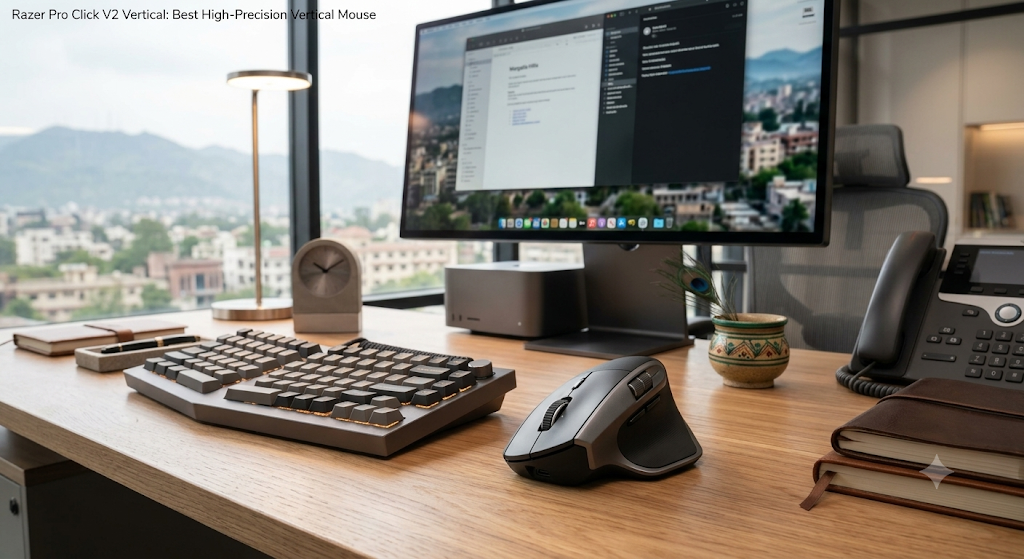
- Angle: 71.7∘ Deep Handshake Tilt
- Sensor Resolution: Focus Pro 30K Optical Sensor
- Best For: High-resolution multi-monitor setups, designers, and light gaming
The Deep Dive
The Razer Pro Click V2 Vertical Edition features a steep 71.7∘ angle, offering a distinct and highly upright handshake posture. It pairs this extreme tilt with high-performance tracking internals usually found in elite gaming mice.
Ergonomic Performance
The 71.7∘ angle provides profound relief for your carpal tunnel by keeping your wrist completely off the desk surface. The inclusion of Razer’s Focus Pro 30K Optical Sensor allows for micro-precision movements with minimal physical effort. This eliminates the need to lift and reset the mouse across your desk pad, a repetitive action that causes flare-ups in the shoulder and wrist tendons.
Real-World Usability
With up to 6 months of battery life and support for 5-way multi-device connectivity, this mouse is built for heavy daily use. The premium finishes look great on modern office desks, and the programmable side buttons are easy to reach.
- Pros: High tilt angle offers incredible wrist relief; top-tier optical sensor tracks flawlessly; exceptional battery life.
- Cons: No left-handed option available; premium pricing tier.
Buyer’s Guide: How to Choose for Your Specific Pain
Match Your Peripherals to Your Pain Center

- Pain in the Wrist Joint (Carpal Tunnel Area): Focus heavily on the mouse angle and keyboard tilt. Choose a high-angle vertical mouse (like the Razer Pro Click V2 or Contour UniMouse at a steep angle) and a keyboard that supports negative tilt to keep your wrist flat and neutral.
- Pain in the Fingers and Knuckles (Tendonitis): Focus on activation force. Look for mechanical split keyboards (like the Keychron Q11 or ZSA Voyager) equipped with hot-swappable linear switches, which register keystrokes with minimal pressure.
- Pain in the Shoulders and Upper Back: Focus on split width. A unibody keyboard will not cut it. You need a fully split system (like the Kinesis Freestyle2 or Keychron Q11) so you can separate the modules and pull your shoulders back into a relaxed, healthy posture.
Ergonomic Best Practices for Transitioning
Changing your setup alters how your muscles work. Keep these quick tips in mind to ensure a smooth transition:
- Expect a temporary speed drop: Your typing speed will likely decrease during the first week. Don’t panic; your brain is simply building new neural pathways.
- Avoid anchoring your wrists: Wrist rests are designed to support your palms between typing sessions, not while you type. Rest your palms on them during breaks, but let your hands float while typing to avoid compressing the carpal tunnel.
- Adjust your chair height: Ensure your elbows rest at a clean 90∘ angle relative to your desk surface. If your desk is too high, use a footrest or raise your chair to maintain an even, straight line from your elbow down to your knuckles.
The Verdict
Wrist pain is your body’s way of telling you that your current workstation setup is pushing your anatomy to its limits. If you want an easy, plug-and-play solution that works right out of the box, pairing the Logitech Ergo K860 with the Logitech MX Vertical (or the Logitech Lift for smaller hands) offers excellent comfort and a quick transition