Student housing comes with distinct structural constraints:
- Minimal Square Footage: The total floor area dedicated to study setups is often restricted to small alcoves or corners.
- Strict Lease Rules: Permanent modifications, wall-mounting, or drilling are generally forbidden, making freestanding, self-contained furniture essential.
- Frequent Relocation: The annual cycle of moving between hometowns, summer sublets, and new apartments makes easy disassembly a major priority.
- Power Outlet Limits: Older apartment buildings often feature poorly placed outlets, requiring smart integrated power options to keep multiple devices connected.
1. The Compact Footprint Zone

Standard office desks measure 60 inches or wider, which can easily overwhelm a small room. The sweet spot for a student apartment spans from 40 inches wide by 24 inches deep up to 48 inches wide by 24 inches deep. A depth of 24 inches ensures your monitor stays at an ergonomically sound viewing distance while keeping the desk frame flush against the wall to maximize open floor area.
2. Quiet, Smooth Motor Systems
In shared apartments or thin-walled dorms, minimizing noise is a matter of basic courtesy. Desks equipped with high-quality single or dual electric motors adjust smoothly at decibel levels below 50 dB. This allows you to transition the desktop up or down early in the morning or late at night without disturbing roommates or neighbors.
3. Smart Anti-Collision Tech
A cramped environment increases the risk of the desk hitting obstacles like a window sill, a nearby radiator, or an office chair armrest during adjustment. Integrated anti-collision sensors immediately detect physical resistance, stopping the motor and reversing direction slightly to protect your equipment and apartment property.
4. Robust Transit Stability
Low-cost standing desks often suffer from noticeable swaying or wobbling when extended to full standing height. Look for models built with heavy-duty steel leg columns and wide, stabilizing feet. The desk must remain completely stable when you are typing vigorously or leaning on the surface.
5. Consolidated Cable Routing
Cluttered cords create a visual mess and pose a real tripping hazard in tight spaces. Desks featuring under-desk trays, built-in grommets, or magnetic track systems hide power bricks and device cables neatly out of sight.

In-Depth Analysis: The Best Compact Standing Desks
Choosing the right option means aligning your specific spatial constraints with your budget and tech needs. Here is an analysis of the top-performing compact standing desks for student apartments.
The Versatility Leader: Uplift V3 (Compact Configurations)
The Uplift V3 represents the gold standard for long-term reliability and deep customizability. While frequently configured as a large workspace, its compact 42×24 inch framework fits perfectly into tight apartment layouts.
- Mechanism: Dual high-performance electric motors integrated smoothly within heavy-duty lifting columns.
- Stability Profile: Exceptional stability at full height, featuring an inverted leg layout that minimizes front-to-back sway.
- Ergonomic Span: Extends down low enough to accommodate floor-sitting work styles, offering deep flexibility for different study positions.
- Small Space Advantage: The frame includes specialized mounting points for a wide selection of accessories, allowing you to attach CPU holders, under-desk drawers, and power strips to save premium surface space.
The Refined Mid-Range: Branch Duo Standing Desk
The Branch Duo is designed specifically with small apartments and intuitive, everyday usability in mind. Its compact 36×24 or 48×24 inch footprints are built to maximize utility within constrained floor plans.
- Mechanism: Single, highly efficient motor running quietly under 48 dB.
- Keypad System: Features an OLED control interface with up to four memory presets and integrated, subtle sit-stand reminders.
- Cable Architecture: An expansive, easy-access cable tray keeps your power blocks hidden and tidy.
- Small Space Advantage: Angled, low-profile desk feet slide cleanly around baseboards, allowing the desk to sit completely flush against the wall.
The Premium Space-Saver: FlexiSpot E7 Pro (Compact Series)
For students using heavy desktop setups, multiple monitors, or intensive gaming gear, the FlexiSpot E7 Pro offers a heavy-duty frame in a compact package.
- Mechanism: High-load dual motors offering a robust 330-lb load capacity.
- Transit Speed: Fast, quiet adjustment speeds exceeding 1.5 inches per second.
- Control Unit: Premium touchscreen panel featuring a child-lock safety setting and integrated USB charging ports.
- Small Space Advantage: Exceptional lifting power allows you to mount heavy dual-monitor arms and multiple storage units without straining the motors..
Setting Up Your Space Safely and Ergonomically
Investing in a quality desk is only the first step; configuring it correctly is what protects your posture and productivity.
The 90-Degree Ergonomic Target
- Sitting Alignment: Lower the desk until your feet rest completely flat on the floor, with your knees bent at a 90-degree angle. Adjust your armrests so your forearms rest parallel to the desktop surface, keeping your shoulders completely relaxed.
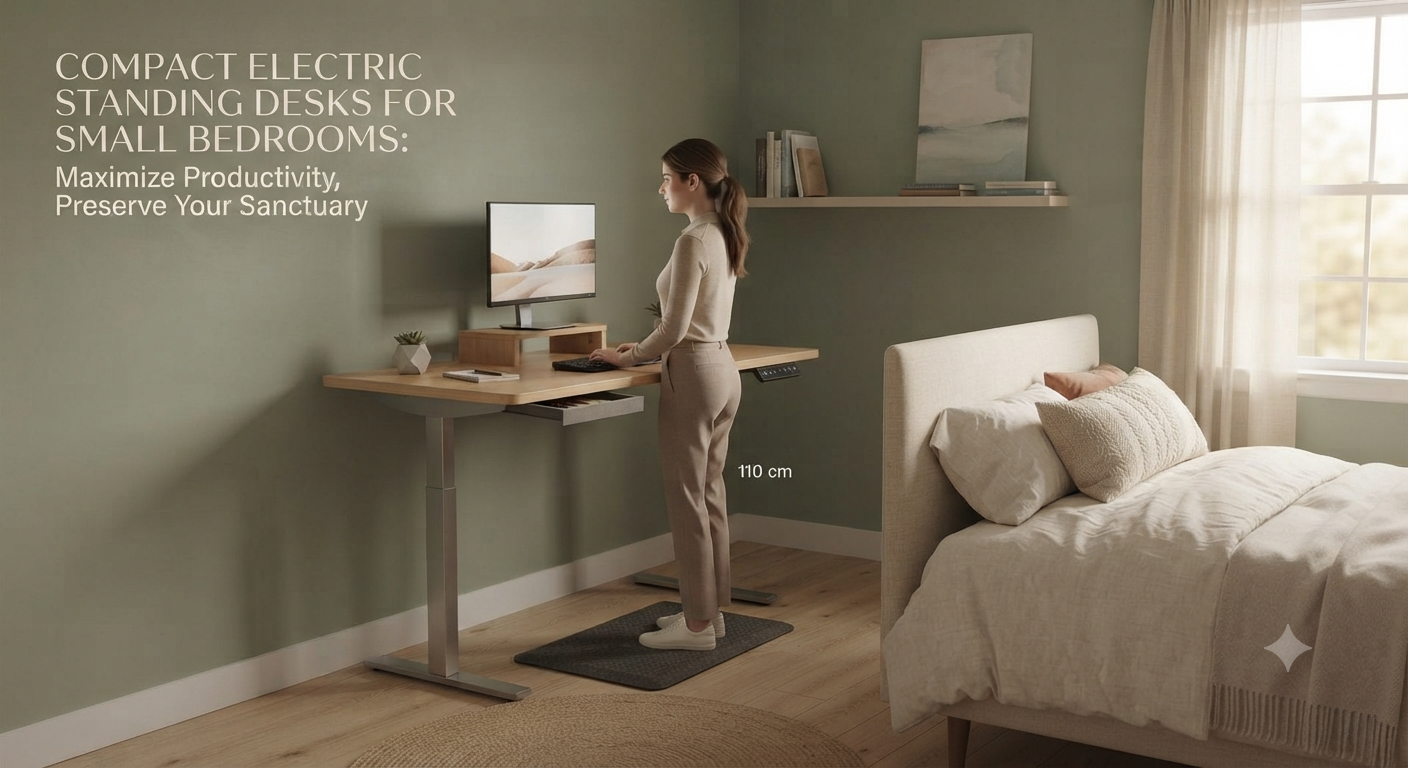
- Standing Alignment: Raise the desk until the surface sits level with your resting elbow height. Avoid locking your knees; maintain a soft, slight bend to reduce lower back pressure.
Screen and Line-of-Sight Placement

Position your main monitor directly in front of you, roughly an arm’s length away. The top third of the screen should sit right at eye level, forcing a slight downward gaze that prevents neck strain. For laptop users, a dedicated stand paired with an external keyboard and mouse is essential to avoid slouching.
Using Active Anti-Fatigue Mats
Standing on hard apartment floors for hours can stress your feet, knees, and lower back. Placing a high-density foam anti-fatigue mat under your workstation cushions your joints, encourages micro-movements, and makes standing comfortably for long study sessions much easier.
Maximizing Every Inch of a Tiny Workstation

When working with a small desk surface, staying organized requires creative spatial planning:
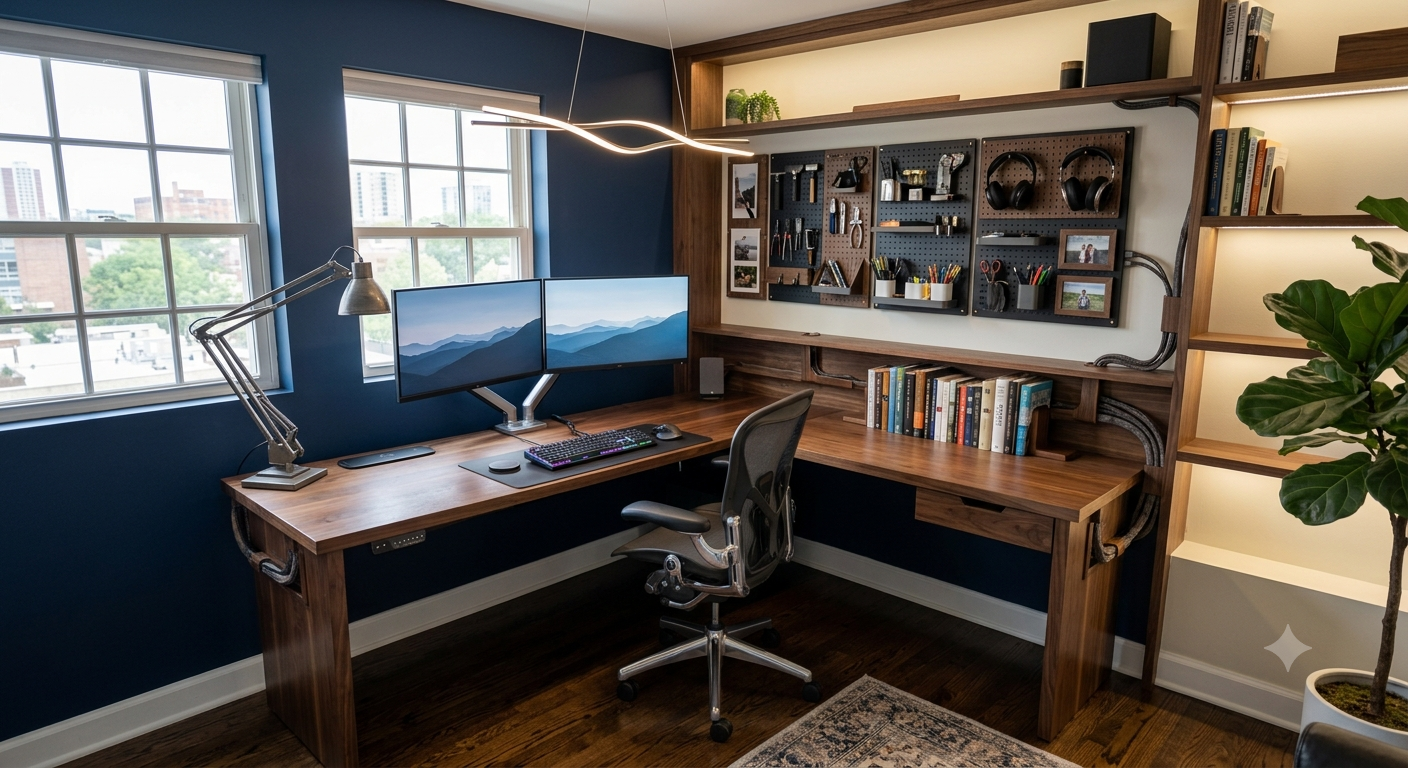
- Utilize Heavy-Duty Monitor Arms: Clamping your monitors to a mechanical arm frees up the valuable desk space typically taken up by bulky plastic monitor stands.
- Mount Under-Desk Storage: Add slide-out drawers directly to the underside of the desk frame to store pens, notebooks, and tablets without using up surface area.
- Adopt Vertical Pegboards: Mount a freestanding desktop pegboard against the back wall to hang headphones, cables, and loose tools vertically.
- Implement a Hard Cable Plan: Use adhesive clips and under-desk baskets to route every wire along the frame, ensuring zero dangling cords drop to the floor.
Making the Right Choice for Your Space
Selecting the ideal standing desk comes down to balancing your apartment’s layout, your daily workload, and your budget. If you need long-term durability and custom accessory options, configuring a compact Uplift V3 provides a robust, professional-grade foundation. For tight alcoves where clean design and smart reminders are the priority, the Branch Duo fits seamlessly into modern student spaces. If you are working with heavy equipment or multiple screens, the high weight capacity of the FlexiSpot E7 Pro gives you all the power you need.
Prioritizing a compact footprint, verified stability, and proper cable management transforms even the smallest apartment corner into a highly productive, health-conscious study station.