The Architecture of Focus
In an era dominated by relentless notifications, endless browser tabs, and the constant hum of digital noise, our workspaces have largely transformed into battlegrounds for our attention. Every ping, clutter-filled corner, and unorganized cable competes for a sliver of our limited cognitive bandwidth. For creators, entrepreneurs, and deep-work professionals, the physical environment is not merely a backdrop—it is a foundational component of mental clarity.
When you sit down to work, your desk tells a story. If it is buried under paperwork, stray coffee mugs, and chaotic cords, your brain registers that clutter as unfinished business, silently draining your cognitive resources before you even type your first word.
Enter the minimalist desk setup—not as an aesthetic trend driven by sterile Instagram grids, but as a deliberate framework for cognitive ergonomics and time management. A truly optimized minimalist workspace operates on a singular premise: eliminate the friction between intention and execution. By stripping away non-essential elements, you engineer an environment that naturally guides your focus toward high-value tasks, minimizing decision fatigue and maximizing deep work.
In this comprehensive guide, we will deconstruct how to design, organize, and maintain a minimalist desk setup engineered specifically for time management, psychological resilience, and relentless productivity.
1. The Psychology of Minimalism: Why Less Environment Equals More Output

To understand why a minimalist desk setup acts as a catalyst for productivity, we must first look at how the human brain processes visual information.
Cognitive Load and Visual Noise
Psychological research consistently demonstrates that physical clutter competes with your capacity to focus. A landmark study from the Princeton Neuroscience Institute found that physical clutter in your surroundings restricts your brain’s ability to process information. When multiple visual stimuli are present in your field of view, your visual cortex has to work overtime to filter them out, leaving fewer neural resources available for working memory, creative problem-solving, and strategic planning.
By removing the non-essential, you lower your baseline cognitive load. When you look at a clean, intentional workspace, your nervous system interprets safety, order, and control. This reduction in environmental friction translates directly into faster transitions into a state of flow.
The Intersection of Minimalism and Time Management
Time management is rarely just a scheduling problem; it is frequently an energy and focus problem. You can have the most sophisticated time-blocking calendar system in the world, but if your physical workspace invites constant distractions—rummaging for a pen, untangling charging cables, or shifting piles of paper—your momentum shatters.
A minimalist desk setup enforces time management principles by design:
- The Single-Tasking Anchor: A sparse surface leaves room only for the tools required for the task at hand, naturally discouraging chaotic multitasking.
- Frictionless Transitions: When every tool has a designated home, moving from deep writing to administrative review takes seconds rather than minutes.
- Proactive Boundary Setting: A clean desk signals clear mental boundaries, reducing the temptation to check personal devices or drift into unproductive tangents.
2. Core Foundations: Designing the Ultimate Time-Management Desk

Building a high-performance minimalist desk requires a deliberate selection of furniture and layout. Every piece must serve a functional purpose while preserving spatial openness.
The Surface: Choosing the Right Desk
Your desk surface is your canvas. Material and dimensions matter immensely:
- Dimensions: Aim for a depth of at least 28 to 30 inches to ensure proper monitor viewing distance, and a width between 48 to 60 inches to provide breathing room without encouraging clutter accumulation.
- Materials: Solid wood (such as walnut, oak, or maple) introduces warmth and organic texture, grounding the digital workspace in the physical world. Avoid high-gloss finishes that create glare and reflect overhead lighting into your eyes, causing micro-fatigue over long hours.
Ergonomics Meets Aesthetics
True minimalism is never uncomfortable. An ergonomic setup prevents physical strain, which is a silent killer of productivity.
- The 90-Degree Rule: Your elbows should rest at a 90-degree angle when typing, with your wrists in a neutral, straight position.
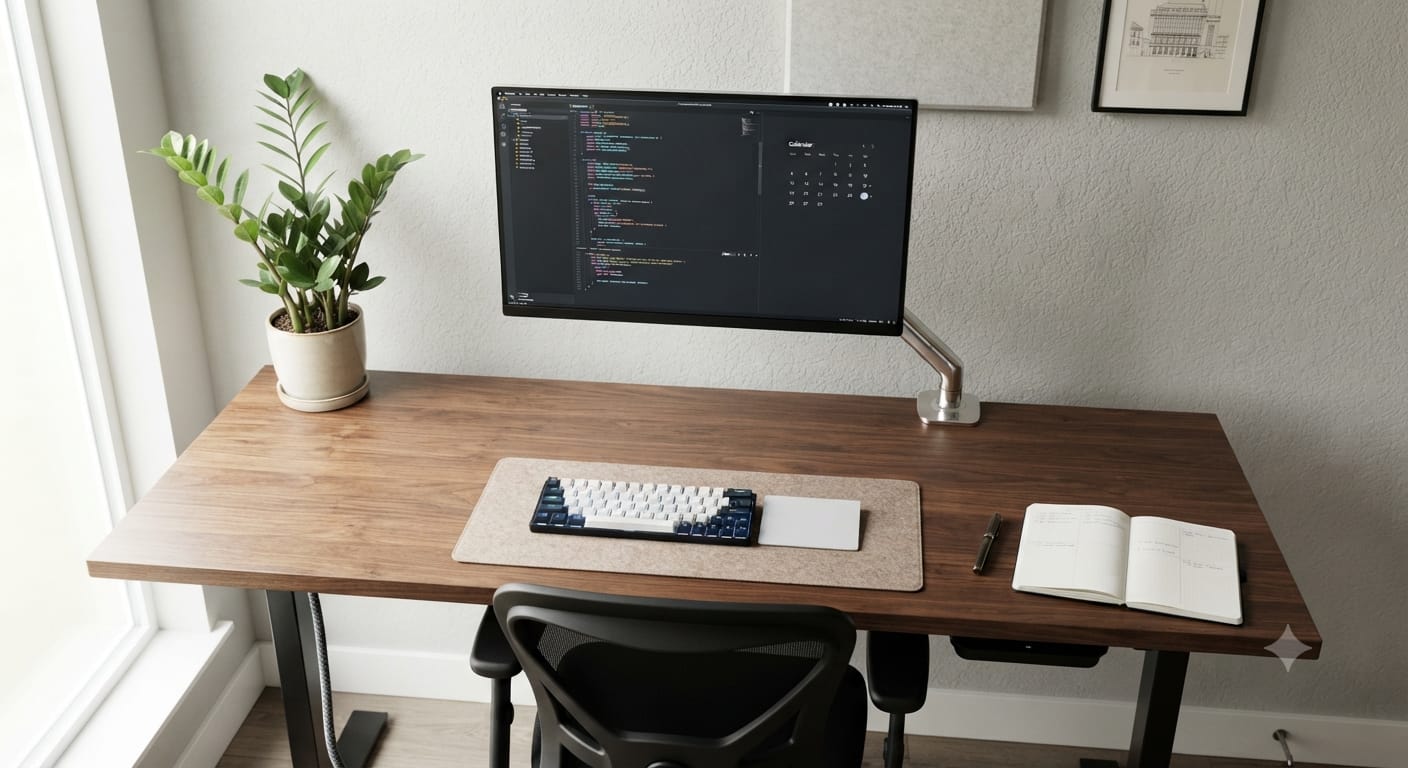
- Monitor Height: The top third of your computer monitor should align with your eye level, preventing neck strain and forward head posture. Use a sturdy monitor arm to reclaim valuable desk real estate underneath the screen.
3. The Hardware Arsenal: Selecting Tools for Maximum Efficiency

In a minimalist framework, hardware choices must prioritize longevity, multi-functionality, and wireless integration. Every cable eliminated is a micro-distraction removed.
The Display Strategy: One Screen vs. Dual Screens
While ultra-wide or dual-monitor setups are popular, they often invite cognitive fragmentation by multiplying the number of visual inputs demanding your attention.
- The Minimalist Approach: Invest in a single, high-resolution 27-inch or 32-inch 4K monitor.
- Why it aids productivity: Modern operating systems offer robust window management tools (like Magnet on macOS or FancyZones on Windows) that allow you to split a single large screen into precise working quadrants. This gives you the screen estate of two monitors without the physical clutter and visual boundary lines of a dual-screen physical setup.
Input Devices: Tactile Precision
Your keyboard and mouse are your primary physical touchpoints with your digital life.
- Mechanical Keyboards: Opt for a compact layout (such as a 65% or Tenkeyless keyboard) with tactile, dampened switches. The satisfying tactile feedback of a mechanical keyboard engages muscle memory and can elevate the typing experience into an intentional ritual.
- Precision Pointing: Pair your keyboard with an ergonomic wireless mouse or a large glass trackpad. Ensure all input devices are rechargeable and wireless to maintain a cable-free surface.
4. Conquering Cable Chaos: The Invisible Backbone of Minimalism
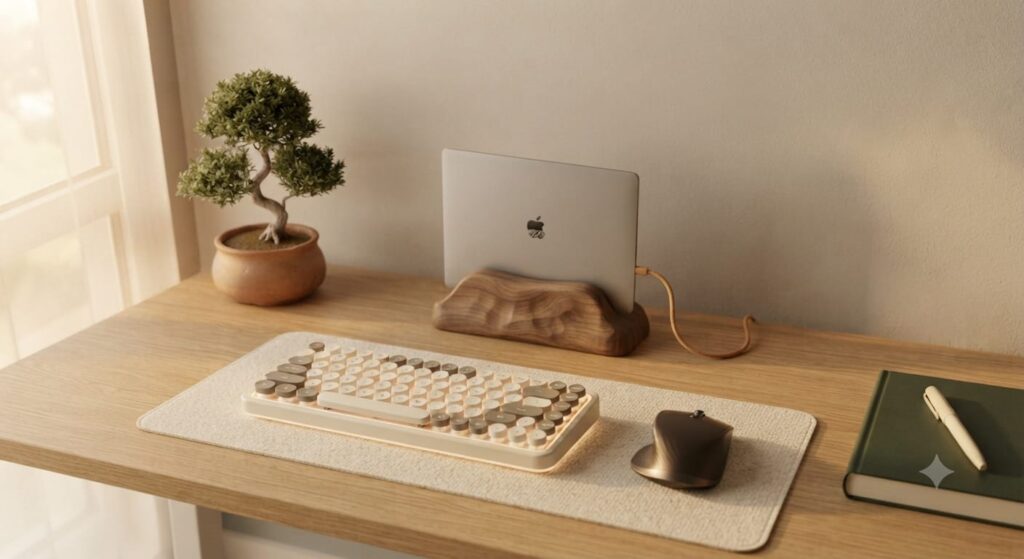
The fastest way to ruin a minimalist desk setup is visible cable clutter. Tangled cords act as visual friction, signaling disorder to the brain. Achieving an immaculate wireless look requires strategic cable management beneath and behind the desk.
Step-by-Step Cable Mitigation
- Under-Desk Cable Trays: Mount a metal wire basket or mesh tray underneath the back edge of your desk. All power bricks, excess cord lengths, and power strips live here.
- Single-Source Power Delivery: Utilize a high-wattage GaN USB-C multi-port charger mounted under the desk. This allows you to power your laptop, phone, and accessories using a single wall outlet, drastically reducing wire sprawl.
- Magnetic Cable Holders: For cables that must rest on the desk surface (such as a phone charging cable or a laptop tether), use weighted magnetic cable holders to anchor them neatly when not in use, preventing them from slipping off the back of the desk.
5. Lighting for Flow: Circadian Alignment and Visual Comfort
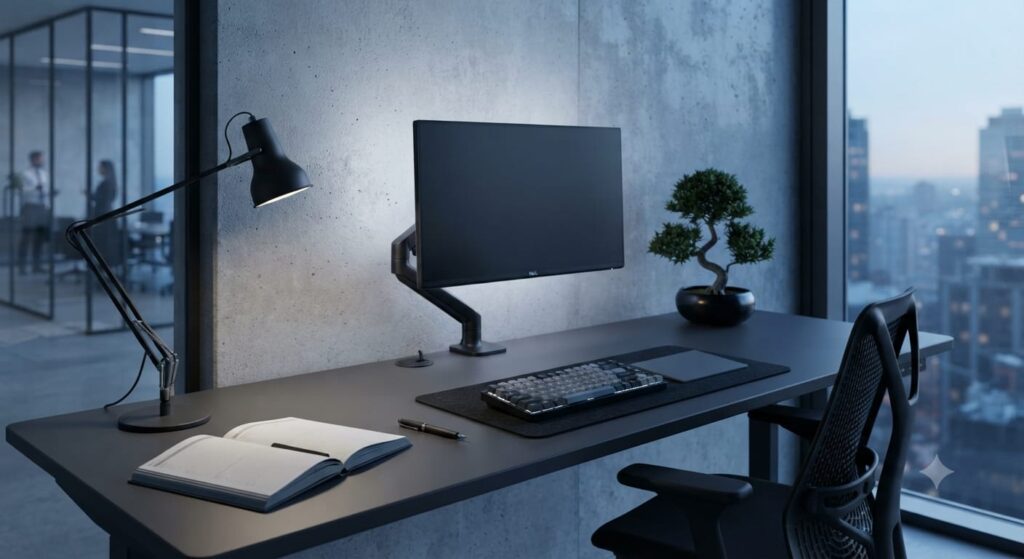
Lighting is perhaps the most underrated driver of productivity in a workspace. Poor lighting triggers eye strain, lethargy, and disrupted circadian rhythms, destroying your ability to sustain focus throughout the afternoon slump.
Layered Lighting Architecture
A truly productive minimalist desk utilizes three distinct layers of light:
- Natural Ambient Light: Position your desk perpendicular to windows if possible. Facing a window can cause severe screen glare, while having your back to a window creates distracting reflections on your monitor. Perpendicular placement bathes your room in soft, indirect daylight.
- Task Lighting: Incorporate a sleek, adjustable LED desk lamp with variable color temperature controls.
- Morning/Deep Work: Set the lamp to cool white (around 4500K to 5000K) to suppress melatonin production and enhance alertness.
- Evening/Administrative Work: Shift the color temperature to warm white (around 2700K to 3000K) to signal to your nervous system that the workday is winding down.
- Bias Lighting: Adhere a dimmable LED bias light strip to the back of your monitor. Illuminating the wall behind your screen reduces contrast strain between a bright display and a dark room, significantly reducing eye fatigue during evening work sessions.
6. Analog Integration: Bridging the Digital and Physical Worlds
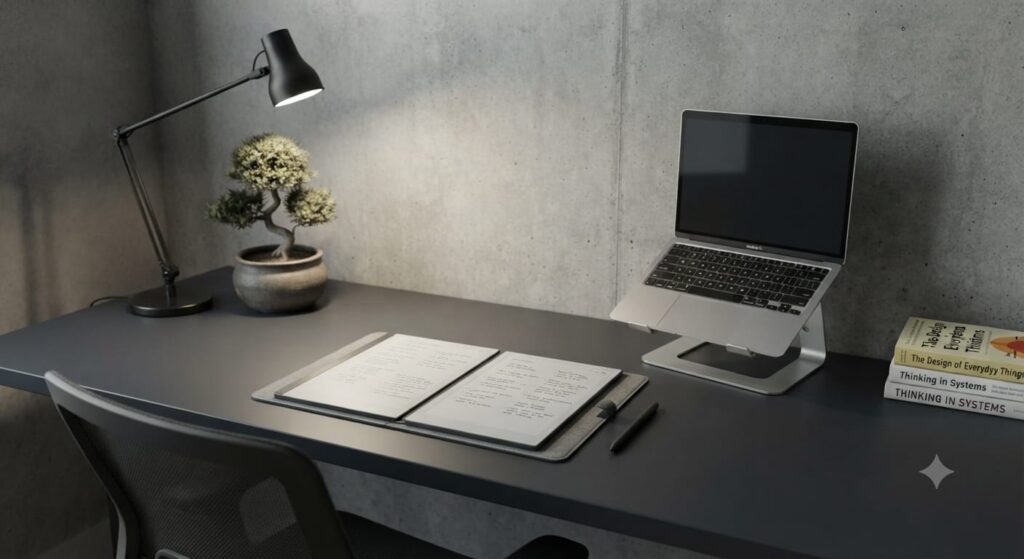
Paradoxically, the most effective minimalist desks include deliberate space for analog tools. While digital calendars and task managers rule the modern enterprise, tactile writing remains unmatched for deep strategic planning and time-blocking.
The Dedicated Analog Zone
Designate a specific, small footprint on your desk—perhaps the bottom right corner—for your physical workflow tools:
- The Daily Time-Blocking Notebook: A minimalist dot-grid notebook used exclusively for writing out your Resistance-Free Three (the three non-negotiable outcomes for the day).
- A Premium Pen: Keep a single, high-quality fountain or rollerball pen. Limiting yourself to one exceptional writing instrument eliminates decision fatigue.
By keeping these analog tools contained to a designated micro-zone, you prevent paper clutter from creeping across your desk while maintaining the cognitive benefits of handwritten planning.
7. Psychological Anchors: The Power of Intentional Decor

Minimalism is not asceticism; it should not feel like a prison cell devoid of humanity. The goal is intentional curation rather than absolute emptiness. Every object on your desk should either serve a rigorous functional purpose or provide genuine psychological uplift.
The Rule of One Organic Element
Introduce a single living element to your workspace, such as a small potted snake plant, ZZ plant, or a minimalist bonsai.
- Cognitive Benefits: Biophilic design principles show that incorporating natural elements into indoor spaces reduces cortisol levels, improves air quality, and subtly enhances psychological well-being during high-stress projects.
Eliminating Triggers
Remove all items that trigger passive consumption rather than active creation:
- No smartphones face-up on the desk: Store your mobile device out of sight in a drawer or charging station across the room. Out of sight genuinely translates to out of mind, protecting your attentional stamina from the dopamine traps of social media and notifications.
- No decorative knick-knacks: Avoid cluttering your surfaces with souvenirs or promotional swag that lack emotional resonance or functional value.
8. Daily Maintenance Rituals: Sustaining the Minimalist Ecosystem

The greatest enemy of a minimalist desk setup is entropy. Without a lightweight maintenance routine, clutter inevitably creeps back in within days. Time management is not just about how you spend your working hours, but how you manage the boundaries of your environment.
The 3-Minute Evening Reset
Incorporate a strict three-minute closing ritual at the end of every workday:
- Clear the Surface: Return all notebooks, pens, and accessories to their designated homes.
- Digital Hygiene: Close all browser tabs, wipe down the glass screen with a microfiber cloth, and power down peripherals.
- Prepare Tomorrow: Place a single blank page or your open planner on the desk, pre-loaded with your top priority for the following morning.
When you walk into your office the next day, your desk greets you with an open, inviting invitation to focus immediately, eliminating the morning friction of cleaning up yesterday’s mess.